AI Add Ons

Use AI where it genuinely helps language learning

AI features are optional add-ons. Use them to save time, create new practice opportunities, and make student work easier to review.

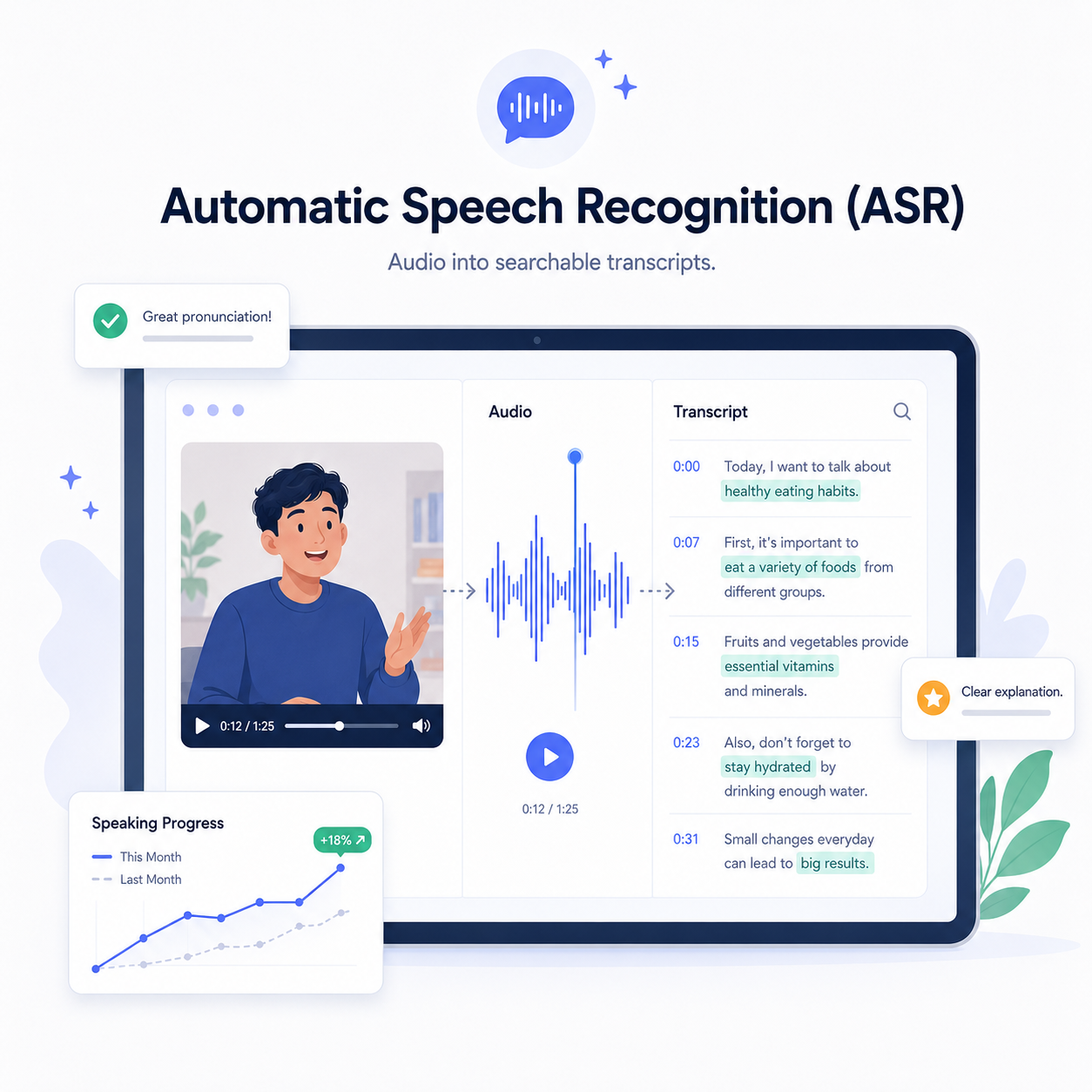
Automatic Speech Recognition (ASR)

Turn audio and video submissions into transcripts. ASR helps teachers scan student speech, support feedback, compare progress, and make spoken work easier to revisit.

Models: AssemblyAI Universal-2 (universal-2) for recorded speech. Browser recordings are processed after Stop; live streaming is not currently used.

Languages for recorded audio and video

  • Arabic
  • Bengali
  • Czech
  • Danish
  • Dutch
  • English
  • Finnish
  • French
  • German
  • Greek
  • Gujarati
  • Hebrew
  • Hindi
  • Hungarian
  • Indonesian
  • Italian
  • Japanese
  • Kannada
  • Korean
  • Malay
  • Malayalam
  • Mandarin Chinese
  • Marathi
  • Norwegian
  • Polish
  • Portuguese
  • Punjabi
  • Romanian
  • Russian
  • Slovak
  • Spanish
  • Swedish
  • Tagalog
  • Tamil
  • Turkish
  • Ukrainian
  • Urdu
  • Vietnamese

ASR includes Global English, US English, and British English options. Browser-recorded audio and video show transcripts after Stop, before final saving and uploading; this also applies to teacher editor recordings. Processing time varies with recording length, device and connection. Student transcribed browser recordings allow three transcription attempts per question; each processed take consumes transcription credits, while final saving reuses its transcript without another transcription charge. Teacher recordings and recordings without transcription do not have this three-attempt restriction. Listen and Repeat keeps its separate three-attempt practice flow and 15-second cap, with Submit Now available for an imperfect attempt. Greyed-out languages cannot be selected for Listen and Repeat; ordinary audio/video transcription supports all 38 languages above. Uploaded files and Re-transcribe use the saved-file workflow. Live streaming is not currently used.
See pricing and usage examples

Automatic Speech Recognition (ASR) in LingoLesson

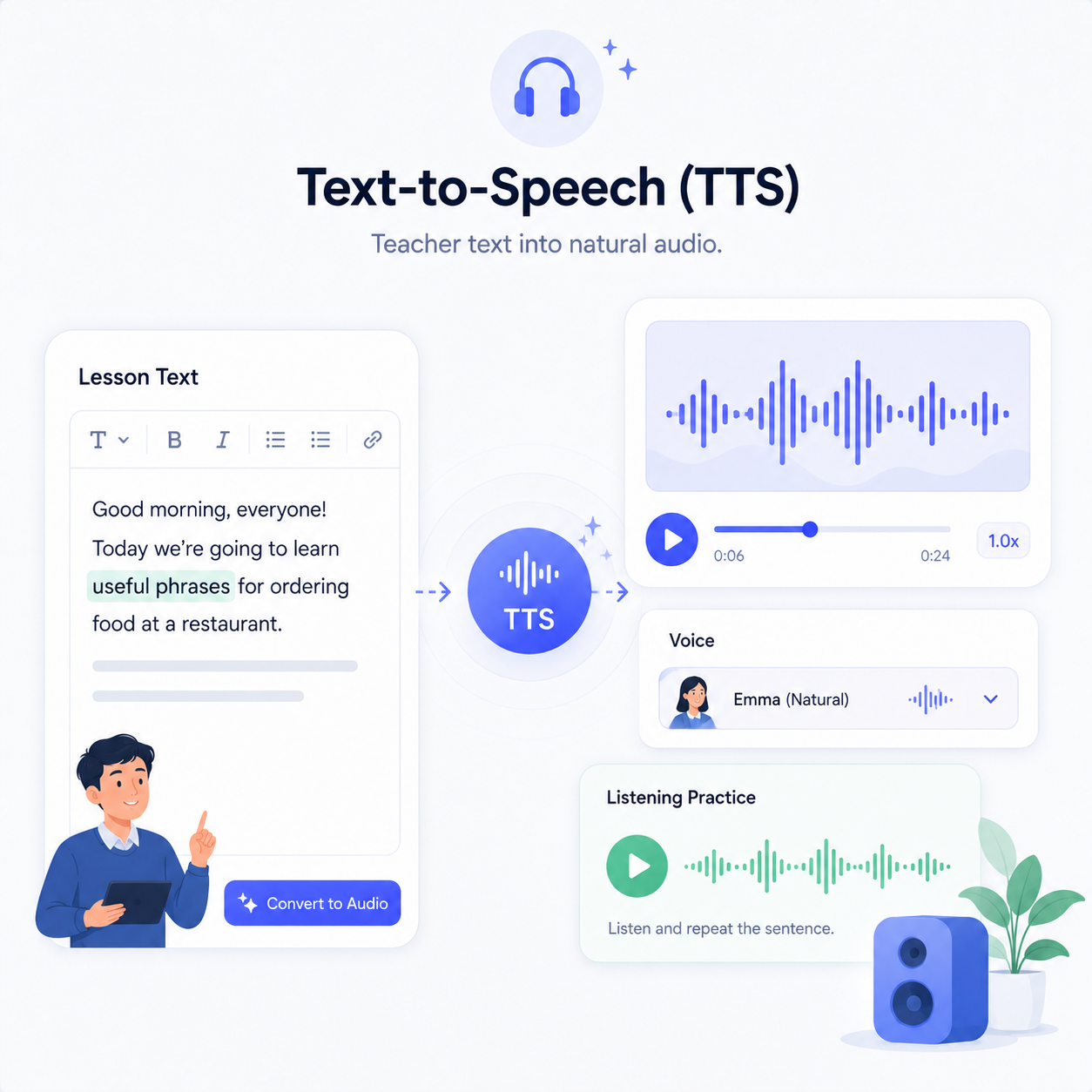
Text-to-Speech (TTS)

Generate listening input from teacher-written text. TTS supports monologues, pronunciation models, read-aloud tasks, and listening practice.

Model: Google Cloud Text-to-Speech WaveNet.

Languages for generated speech

  • Arabic
  • Bengali
  • Czech
  • Danish
  • Dutch
  • English
  • Finnish
  • French
  • German
  • Greek
  • Gujarati
  • Hebrew
  • Hindi
  • Hungarian
  • Indonesian
  • Italian
  • Japanese
  • Kannada
  • Korean
  • Malay
  • Malayalam
  • Mandarin Chinese
  • Marathi
  • Norwegian
  • Polish
  • Portuguese
  • Punjabi
  • Romanian
  • Russian
  • Slovak
  • Spanish
  • Swedish
  • Tagalog
  • Tamil
  • Turkish
  • Ukrainian
  • Urdu
  • Vietnamese

English includes US and British voices. Voices use regional varieties, including Brazilian Portuguese, Spanish from Spain, Norwegian Bokmål, and Filipino for the Tagalog option.

See pricing and usage examples

Text-to-Speech (TTS) in LingoLesson

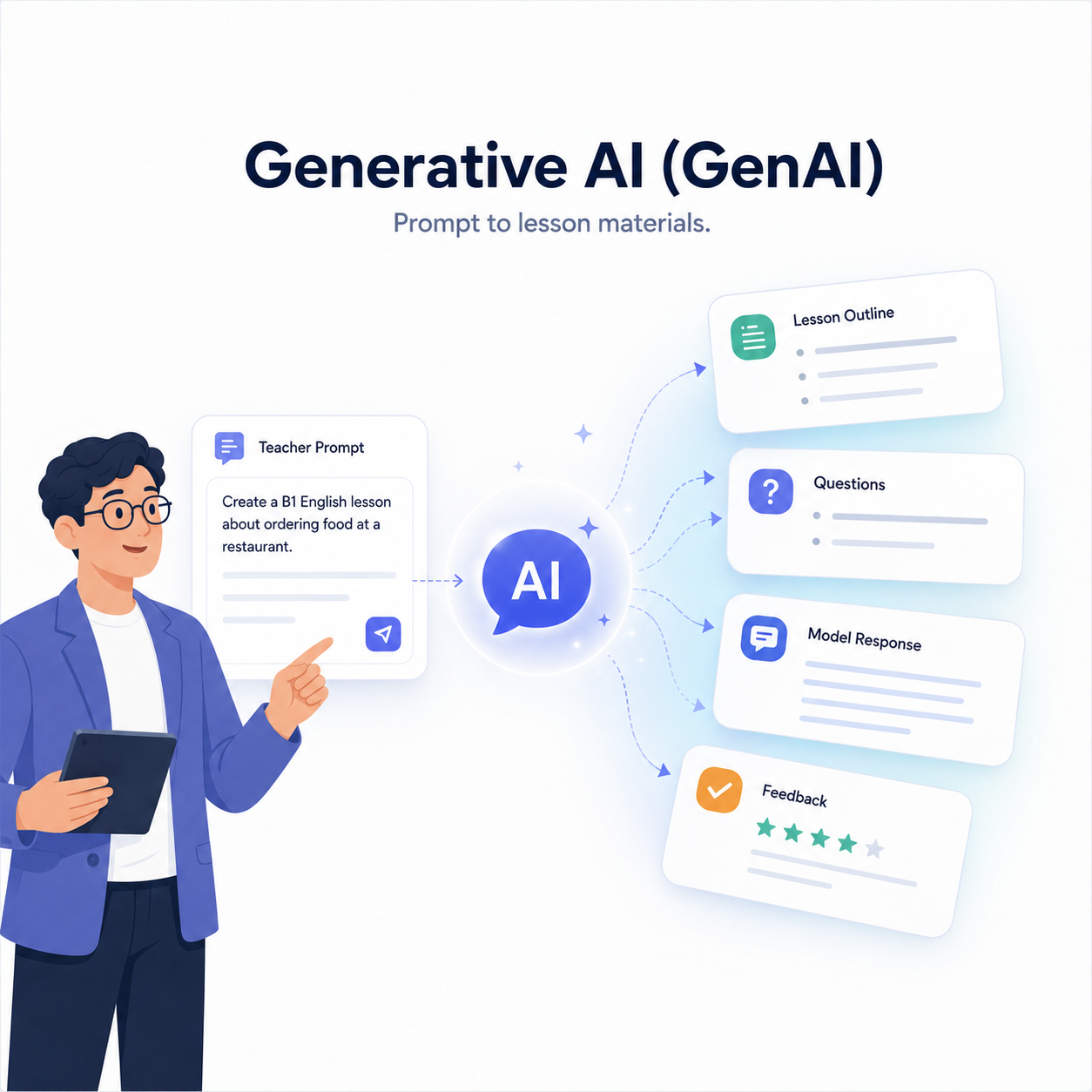
Generative AI (GenAI)

Draft lesson content, questions, model responses, feedback, and language-practice materials for teacher review. Generate lesson images with OpenAI GPT-Image-2.5 Flare.

Models: OpenAI GPT-5.4 mini (gpt-5.4-mini) for text generation and rubric grading; GPT-Image-2.5 Flare (gpt-image-2.5-flare) for image generation.

In a blank lesson, select Generate lesson with AI, enter your prompt and learner settings, and choose media and question types. Progress shows each type as it is generated and saved; lesson preview opens when everything is ready. You can also generate individual items. Follow the AI generation guide.

AI can make mistakes. Check content before assigning it to students.

See pricing and usage examples

Generative AI (GenAI) lesson support in LingoLesson

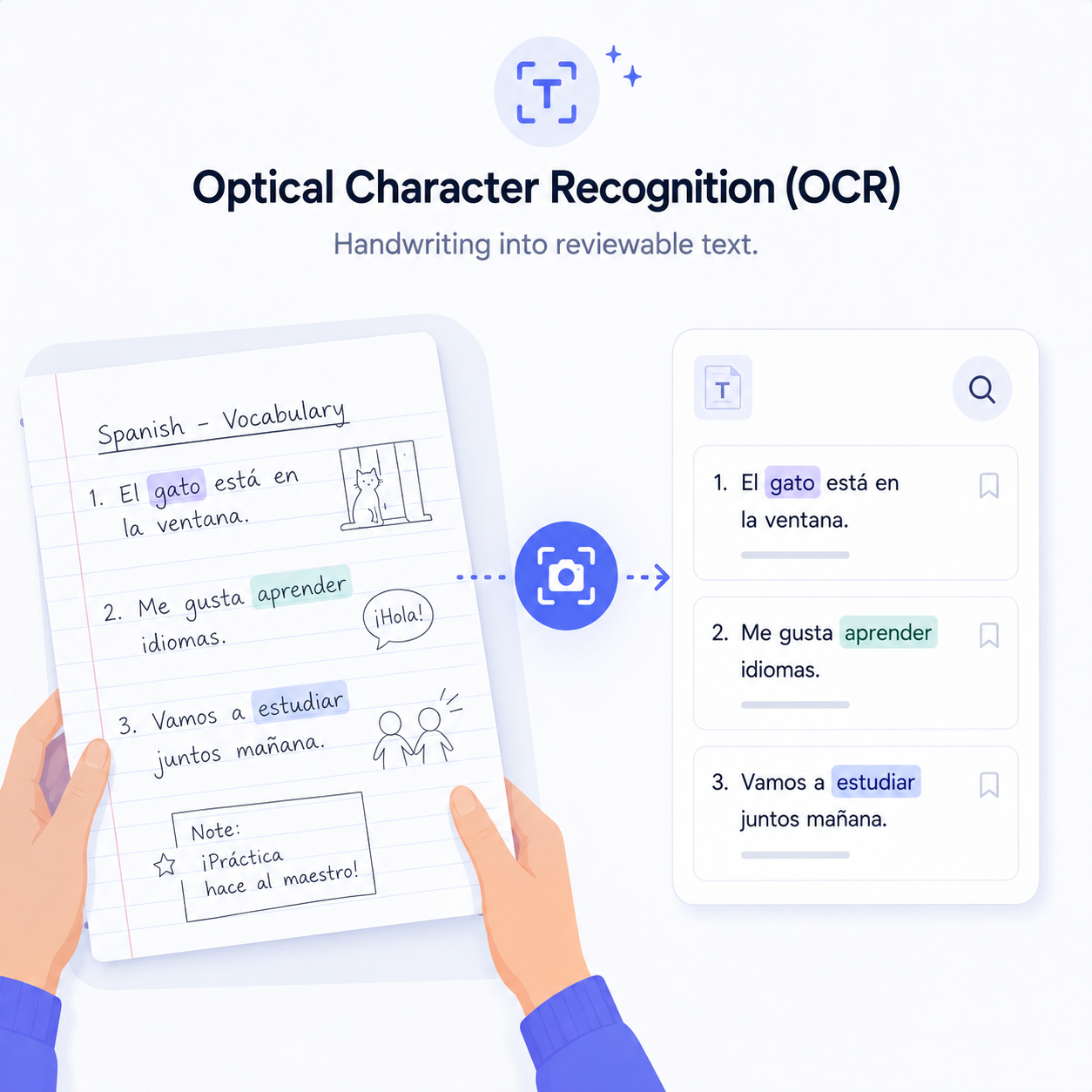
Optical Character Recognition (OCR)

Let students submit handwritten or hand-drawn work, then use OCR to make it reviewable. This supports authentic student production and academic integrity in the age of AI.

Service: Amazon Textract DetectDocumentText for printed and handwritten text. AWS manages the model version.

See pricing and usage examples

Optical Character Recognition (OCR) in LingoLesson

Build blended learning students love

Create digital materials, collect authentic student work, and support all four language skills from one teacher-controlled platform.